MCast Studio

Features

Every core tool for a complete live production.

MCast Studio combines OBS-style source building with professional switching, overlays, audio buses, replay, recording, subtitles, SRT and virtual camera workflows.
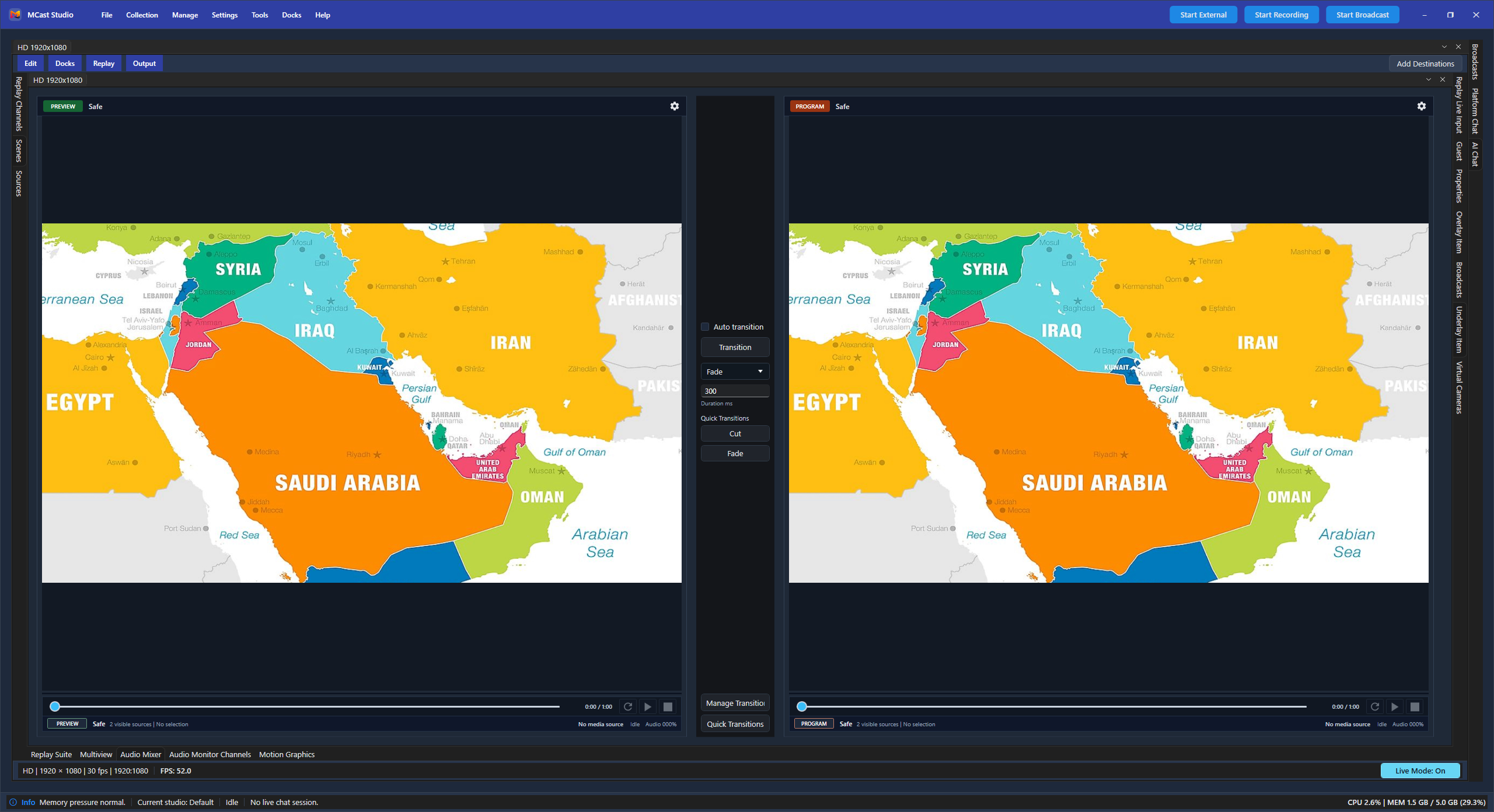
MCast Studio feature overview screenshot
Capture

Sources and inputs

  • Scenes and source collections
  • Camera and NDI source slots
  • Remote camera workflows
  • Media, screen and browser sources
  • Dynamic source support
Layout

Scenes, overlays and graphics

  • Multi-layout support
  • Overlay and underlay channels
  • Motion template basic and advanced
  • Dynamic elements
  • Video effects and branding
Audio

Audio production

  • 8 audio buses
  • 8 monitoring channels
  • Audio effects
  • Source and program monitoring
  • Guest and replay audio workflows
Live

Switching and monitoring

  • Preview/program operation
  • Auto scene switcher
  • Multiview
  • Quick transitions
  • Safe live-state controls
Record

Recording and replay

  • Recording profiles
  • ISO and multichannel recording on higher plans
  • Replay suite
  • Replay channel output
  • Clip-ready session review
Deliver

Streaming and output

  • Streaming profiles
  • SRT output
  • Fullscreen output
  • External output profiles
  • Virtual camera output
Text

Subtitles, AI and chat

  • Social chat
  • AI chat
  • Subtitle edit and text-based edit
  • Live subtitles
  • Plan-based model access
Control

Advanced production control

  • Scripting on higher plans
  • PTZ control
  • Camera slot modes
  • Output profile management
  • Live mode control

Plan-aware features

Limits are clear, not hidden.

Plan management supports per-feature limits, so the product can show exactly how many scenes, sources, guests, replay inputs, virtual cameras, SRT profiles or subtitle models a user receives.

ScenesSourcesMulti layoutCamera/NDI sourceMaximum resolutionOverlay channelsRecording profilesGuest countReplay inputsVirtual camerasSRT profilesSubtitle models

Try features

Test the complete production workflow on Windows.

Start with the trial and compare plans when you know the exact feature limits you need.

Download App